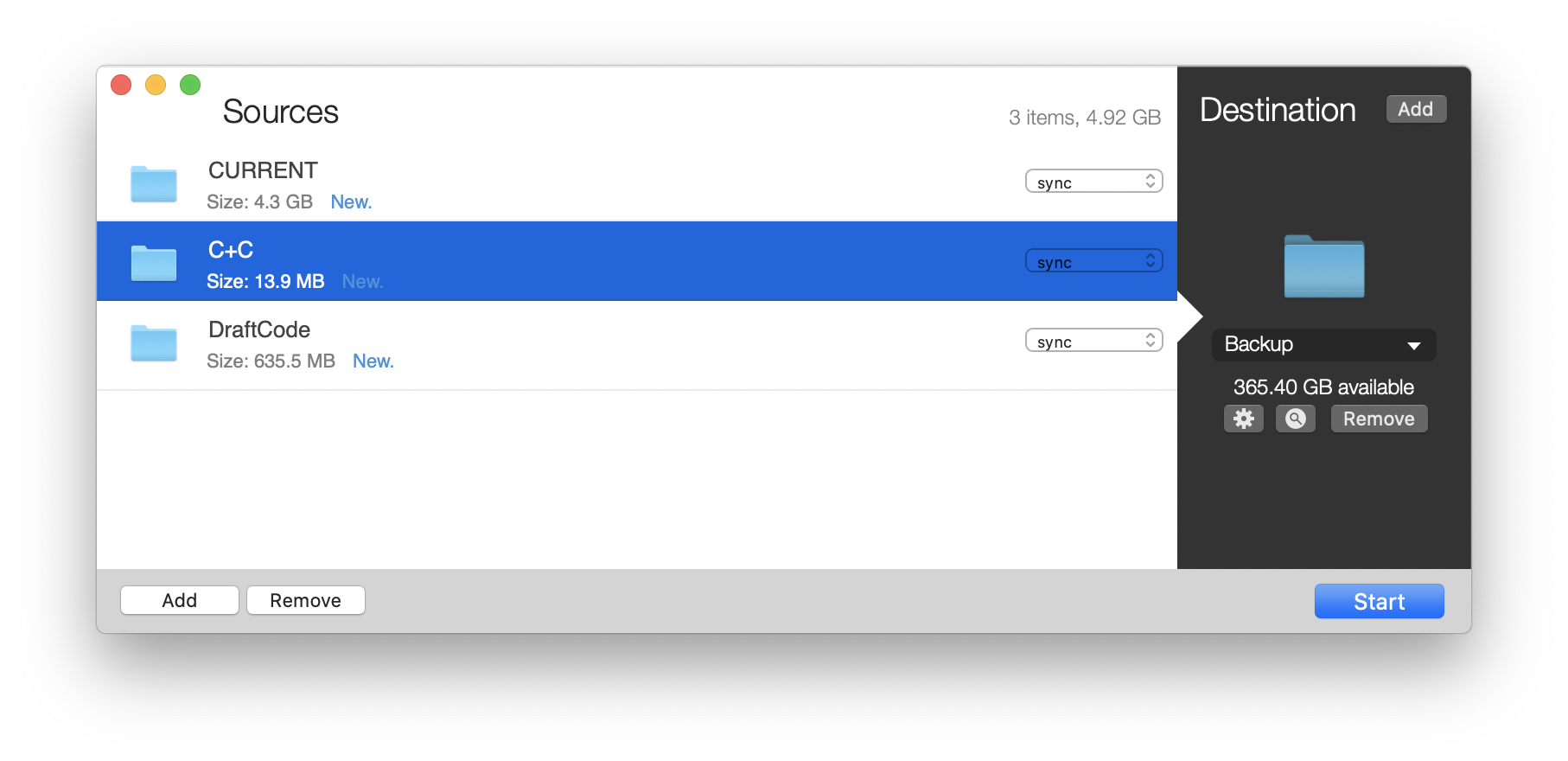
SmartBackup is an easy to use macOS utility to sync or backup files, folders and volumes to a destination. SmartBackup supports multiple configurations for different destinations, excluding items, can archive deleted or changed files, and features built-in automation.
SmartBackup uses its own custom sync engine which offers great performance advantages over other utilities. SmartBackup's sync engine is fully multi-threaded and uses a configurable number of threads that copy files in parallel, which is the only way to truly leverage the performance of modern SSDs, and of large scale Storage Area Networks (Xsan/Stornext) volumes. So if speed matters to you, SmartBackup is your App.
SmartBackup gives you the option to archive changed or deleted files in timestamped folders. This feature includes a built-in search panel that will neatly show you all versions of a file available for restore.
SmartBackup can sync between internal and external harddrives, RAIDs, SAN volumes and network shares / NAS.



